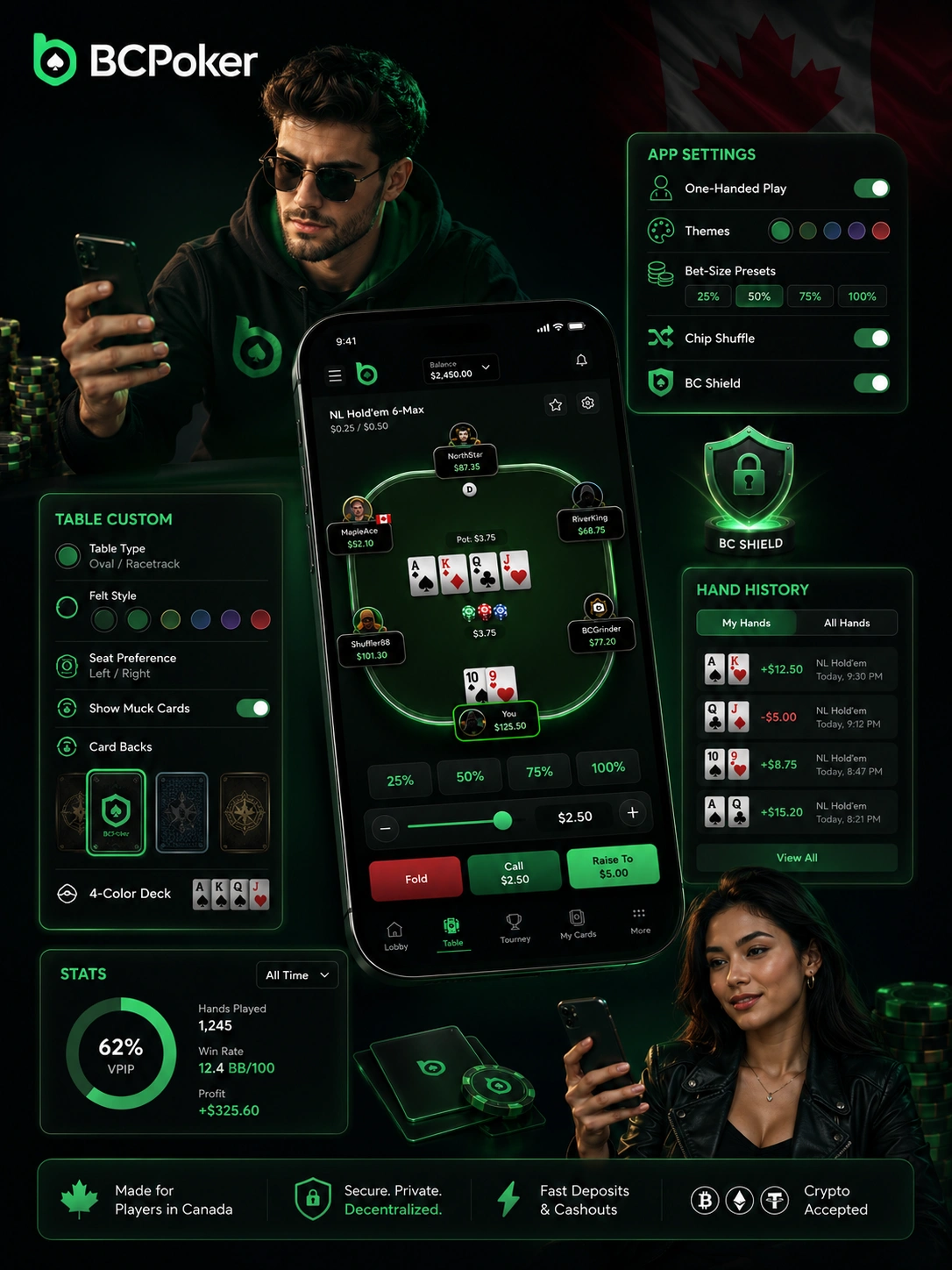
Download BC Poker on Android through two routes: the Google Play Store or a direct APK sideload from bcpoker.com. The minimum requirement is Android 6.0, and both routes deliver identical real-money gameplay. The Play Store version updates automatically; the sideloaded APK requires downloading each new build manually from the official site.
For the APK path, open Settings, go to Security, enable installation from unknown sources, then:
Tap the APK
Tap the downloaded APK file in your notification bar or file manager.
Confirm Install
Confirm the installation prompt by tapping Install.
Open & Log In
Tap Open once the process completes, then log in or register.
Always use bcpoker.com as the sole APK source. Third-party mirrors may distribute tampered files that compromise your account.
Install Timer Simulator
See how fast it really is — tap to start